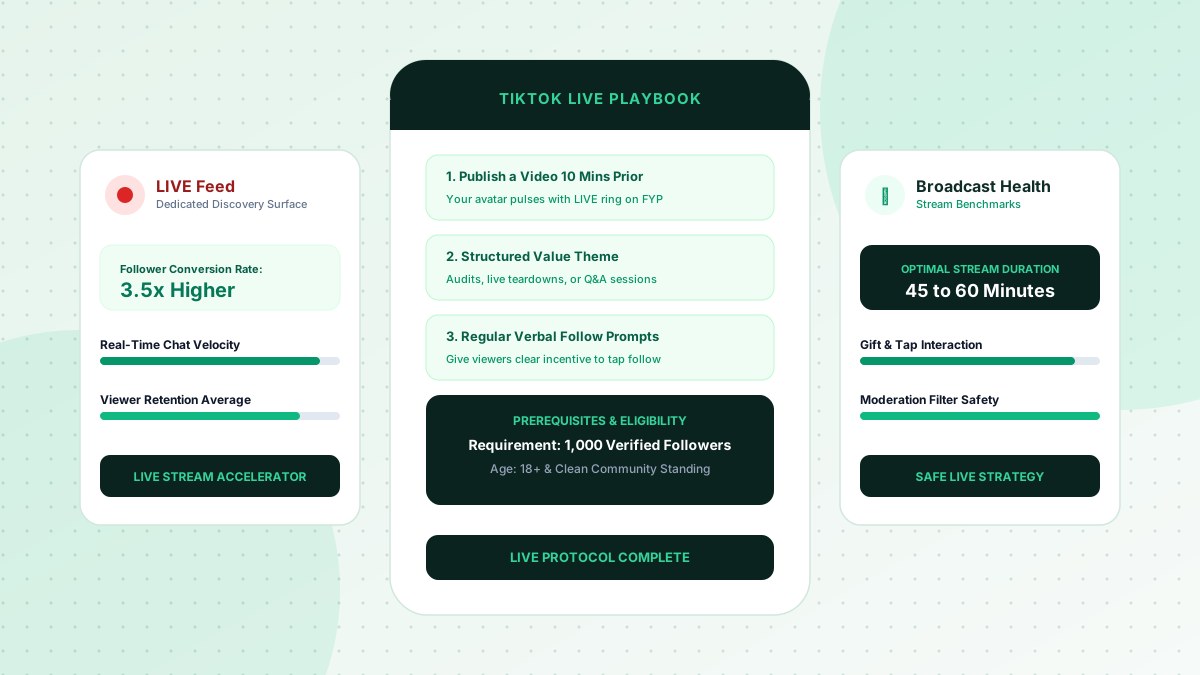
While most creators focus exclusively on standard video uploads, TikTok Live represents one of the most underutilized organic discovery surfaces on the entire platform. TikTok maintains a dedicated "LIVE" tab in the top navigation bar, and the algorithm actively injects active live streams directly into user For You feeds between recorded videos.
Because live broadcasting establishes immediate, unfiltered human connection, visitor-to-follower conversion rates during a high-energy live stream are typically 3x to 5x higher than pre-recorded clips. Here is how to strategically use TikTok Live to accelerate account growth in 2026.
Prerequisites and Eligibility for TikTok Live
Before executing a live broadcast strategy, ensure your account satisfies platform baseline requirements:
- Follower Threshold: 1,000 verified followers (the official platform requirement to unlock mobile live streaming).
- Age Requirement: 18+ years of age for access to monetization gifts and live creator tools.
- Account Health: A clean standing in TikTok's Community Guidelines without recent strikes or moderation restrictions.
The Algorithmic Discovery Mechanics of TikTok Live
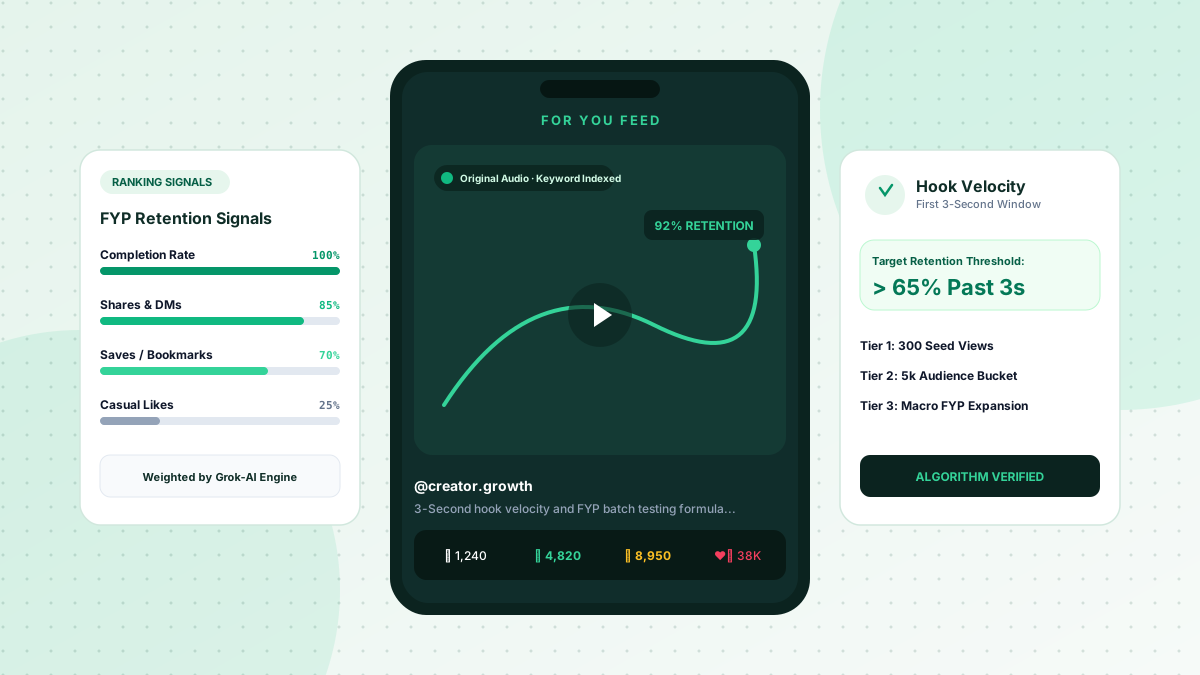
When you start a live broadcast, TikTok's recommendation engine evaluates three primary signals to determine whether to push your stream to wider audience pools:
- Viewer Dwell Time: How long incoming viewers stay in your room before swiping to the next broadcast.
- Chat & Tap Velocity: The frequency of chat comments, screen taps (likes), and shared links sent by current viewers.
- Gift & Coin Interactions: Virtual gift transactions signal high engagement, elevating your stream in local discovery feeds.
The Pre-Live Growth Funnel: The 10-Minute Rule
Never go live cold. Always publish an engaging, high-hook standard video approximately 10 to 15 minutes before starting your live broadcast.
Why This Workflow Works:
When users discover your new video on the For You page while you are actively broadcasting, your profile avatar displays a pulsing, animated red "LIVE" ring. Tapping the avatar drops the viewer straight into your live room, creating a seamless bridge between recorded FYP virality and real-time community engagement.
3 Proven Live Stream Formats for High Follower Conversion
To keep dwell time high and turn casual viewers into followers, organize your stream around a clear structure:
1. The Real-Time Audit / Teardown
Review viewer submissions live (e.g., auditing creator profiles, reviewing resumes, analyzing marketing hooks, or critiquing photography). Viewers stay for 30+ minutes waiting for their turn and watch other teardowns attentively.
2. The Step-by-Step Workshop / Tutorial
Teach a specific technical workflow from start to finish on a whiteboard or screen share. Periodically remind incoming viewers what step you are currently completing.
3. The Interactive Q&A Challenge
Place an on-screen title card defining the topic (e.g., "Answering Social Media Growth Questions Until Midnight"). Encourage viewers to tap the screen to hit like milestones (e.g., "At 10k likes, I'll reveal our top monetization tool").
Conversion Tactics During the Stream
- Deliver Clear Verbal Calls to Action: Every 5 to 7 minutes, welcome new viewers and state: "If you are enjoying this teardown, tap the plus sign on my profile above so you don't miss our weekly audit sessions."
- Use Pinned Comments: Pin a clear text comment at the top of the chat explaining the purpose of the stream and providing your profile value proposition.
- Enlist a Trusted Moderator: Assign a moderator to filter spam comments, welcome newcomers, and maintain a positive, welcoming environment.
Consistent 45-minute live broadcasts twice a week can reliably add hundreds of highly engaged followers who actively support your recorded content.
Use a sustainable content strategy, and compare a one-time visibility package only if its scope, price, requirements, and refund terms fit your campaign.